Skip to content

Your favorite theme, in any color

InfiniTint is a JetBrains IDE plugin that recolors the theme you already use with a single click.
Install free Free tint presets on any theme. Paid features carry a 14-day trial.
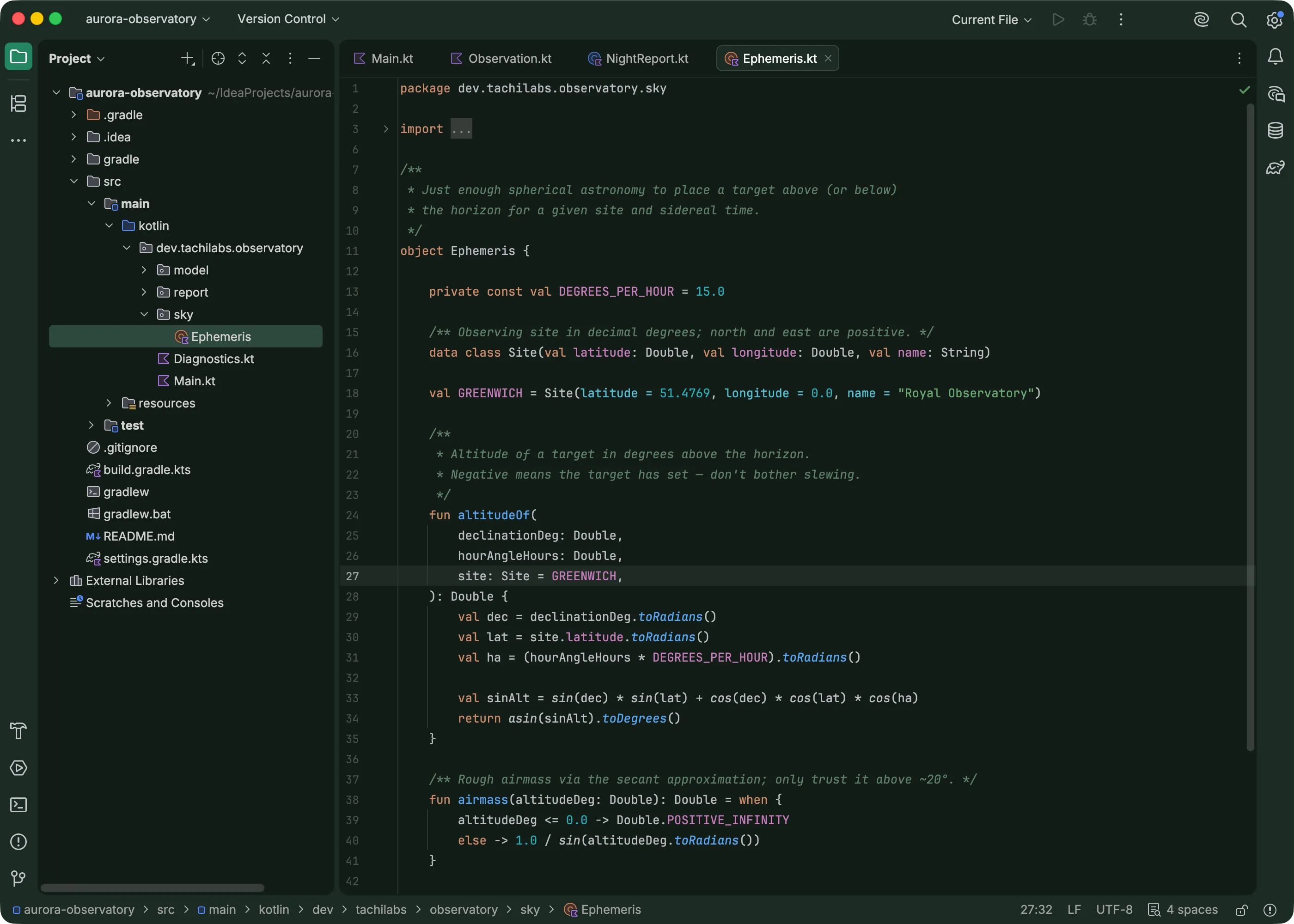
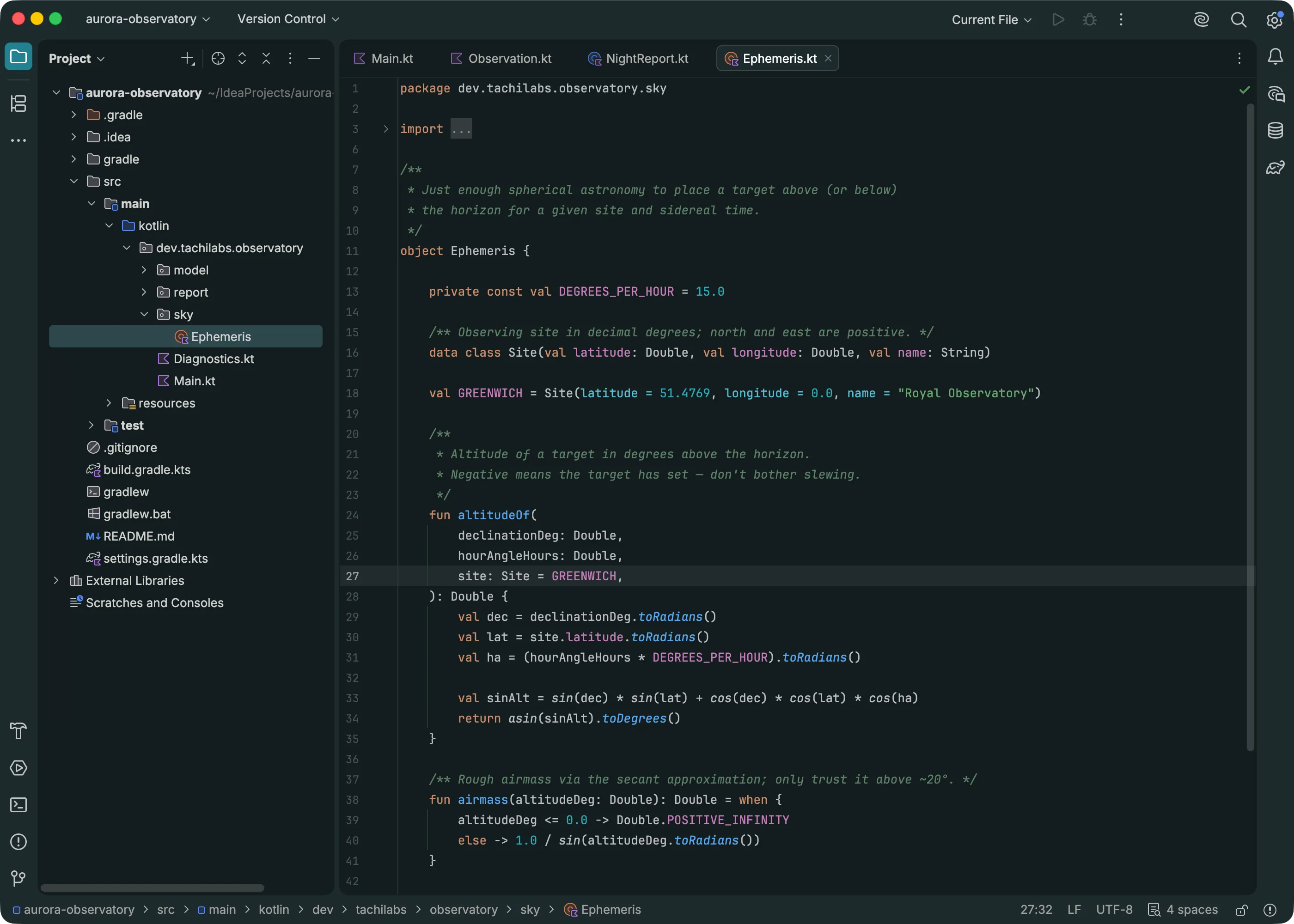
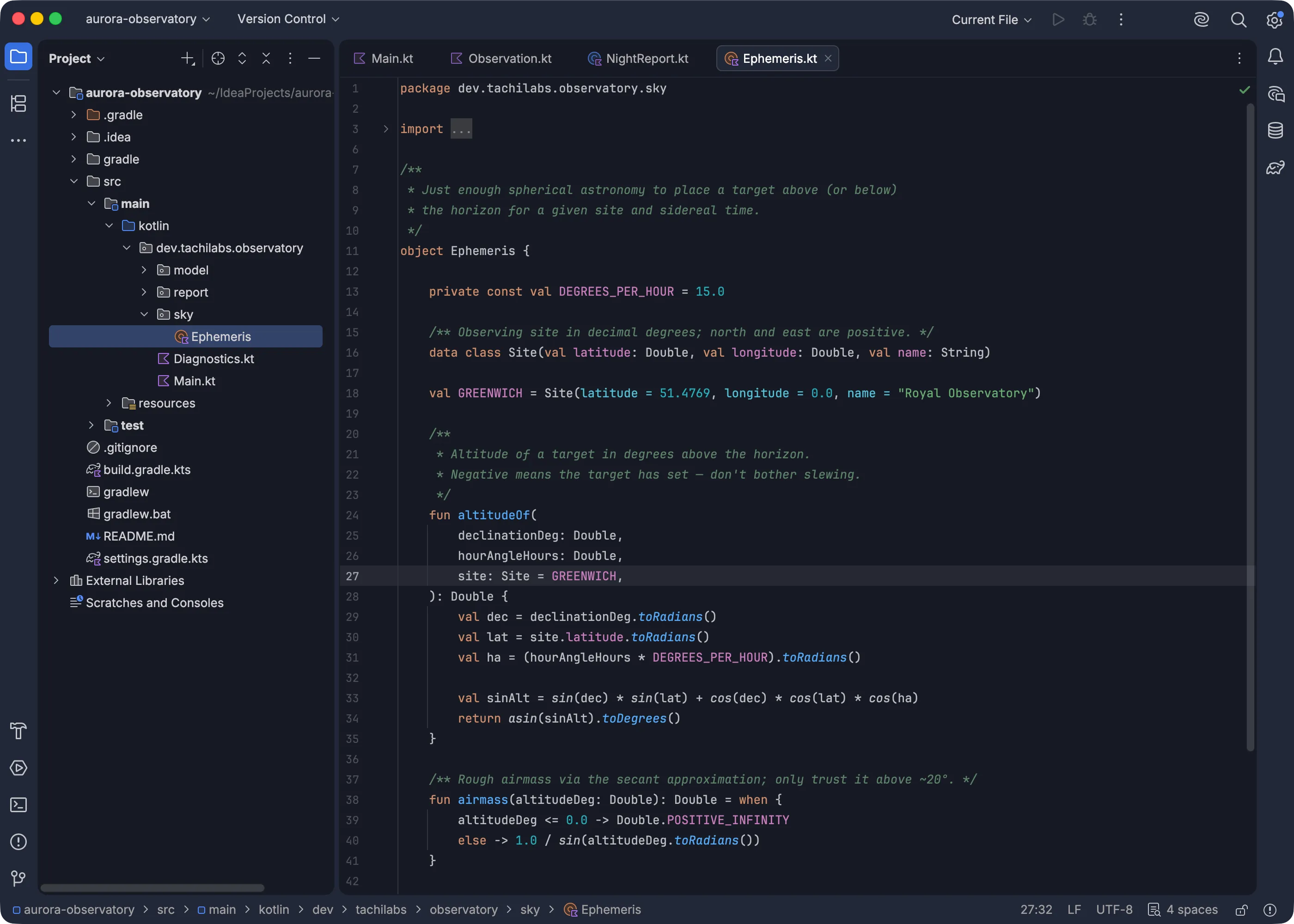
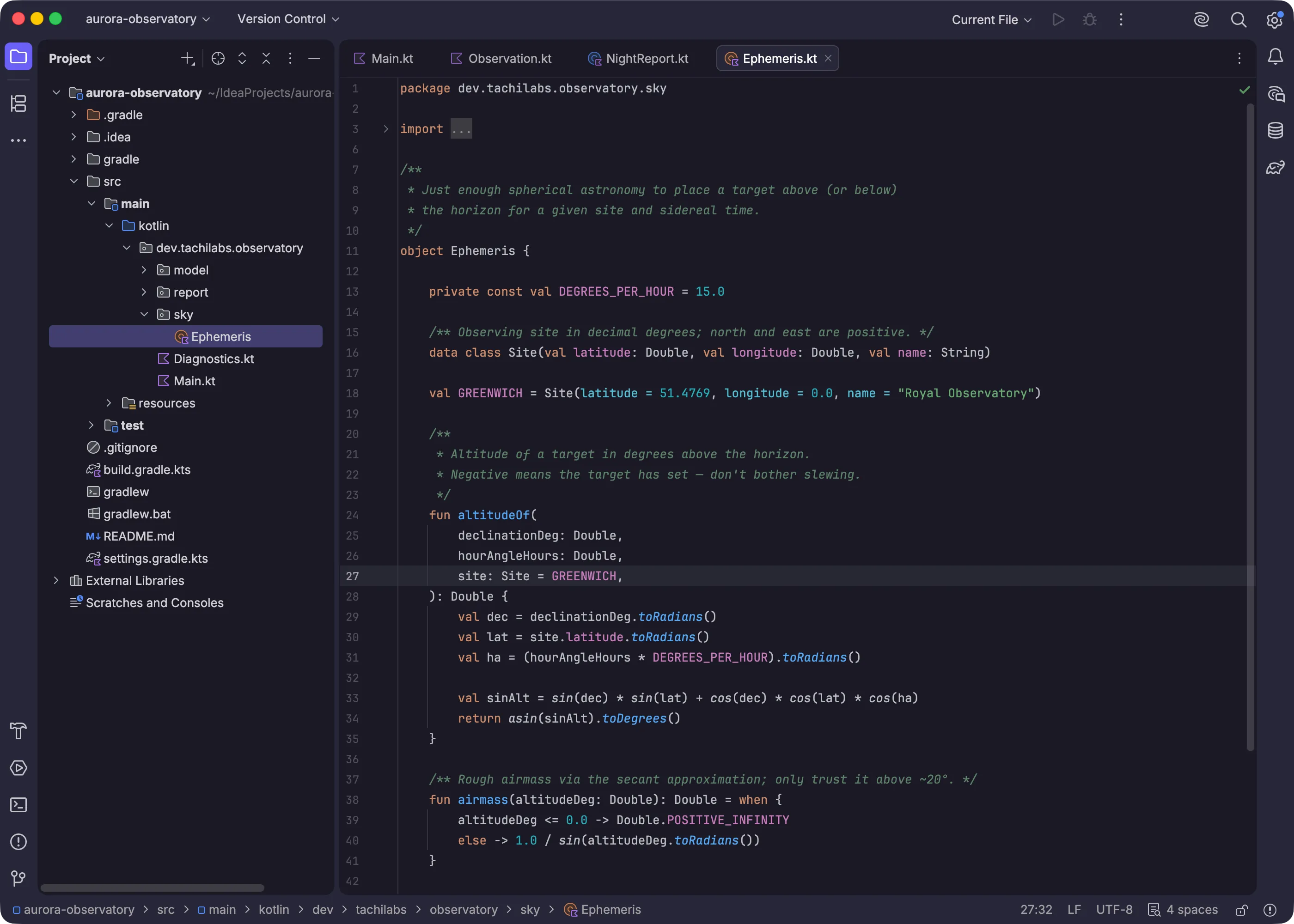
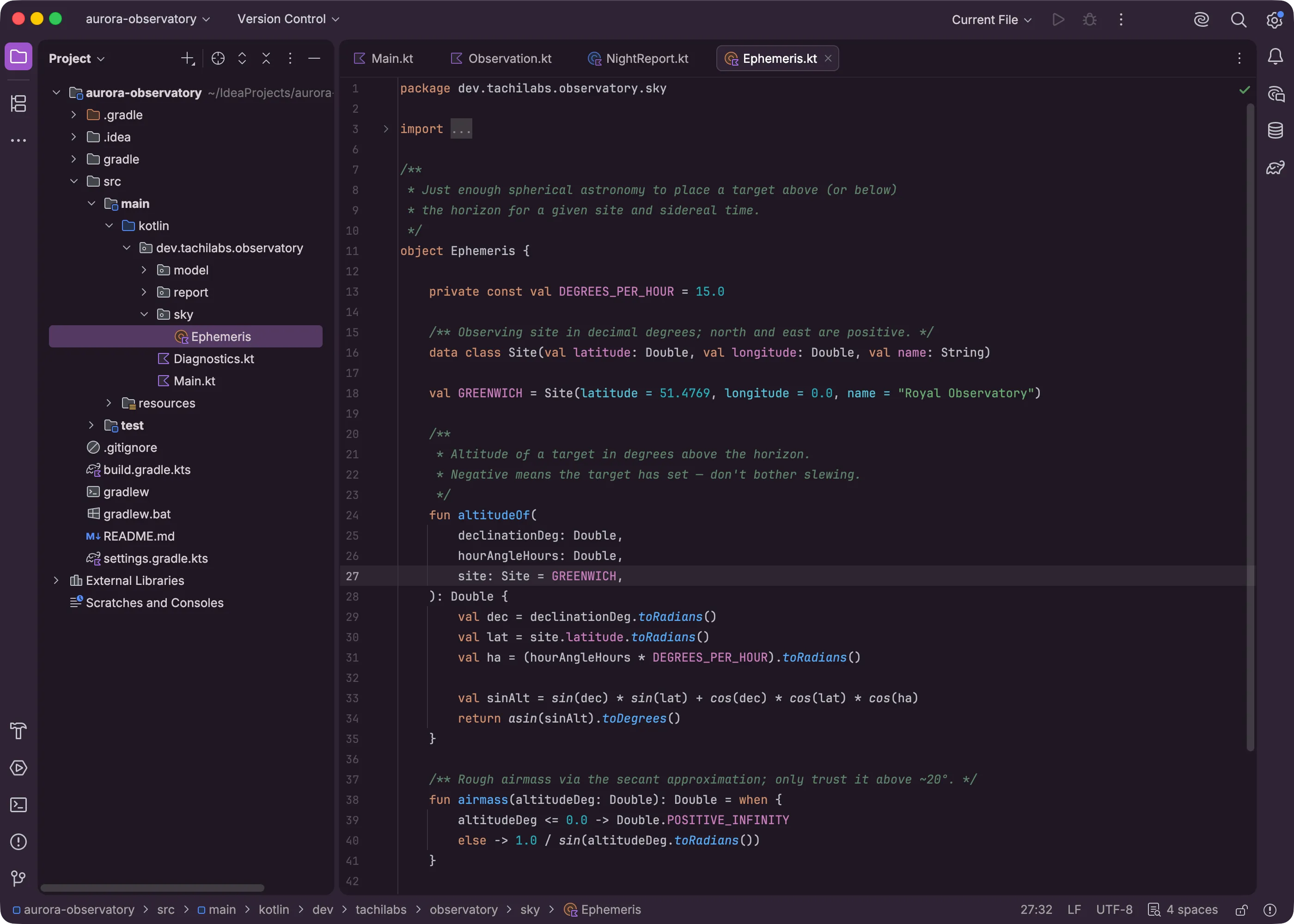
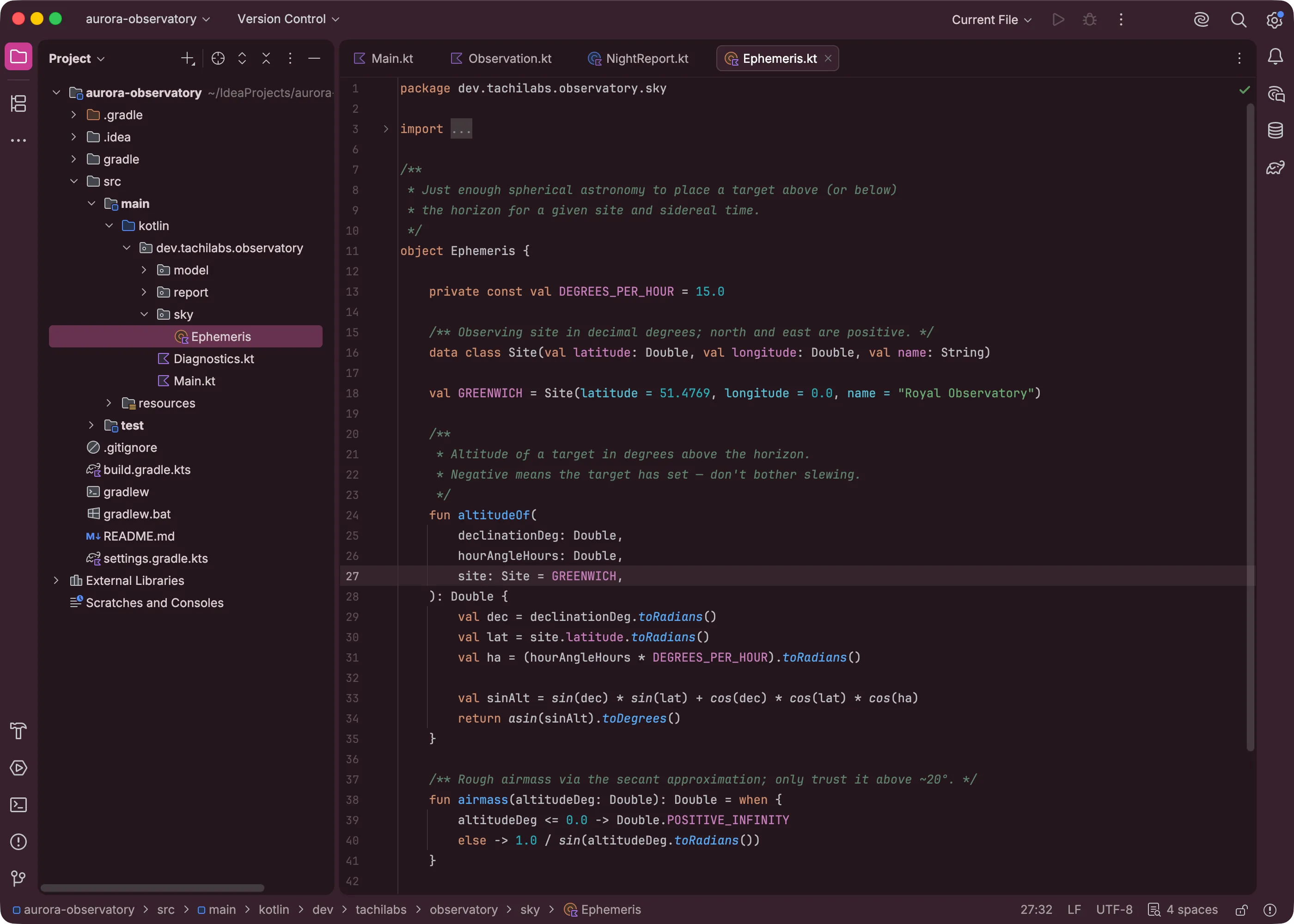
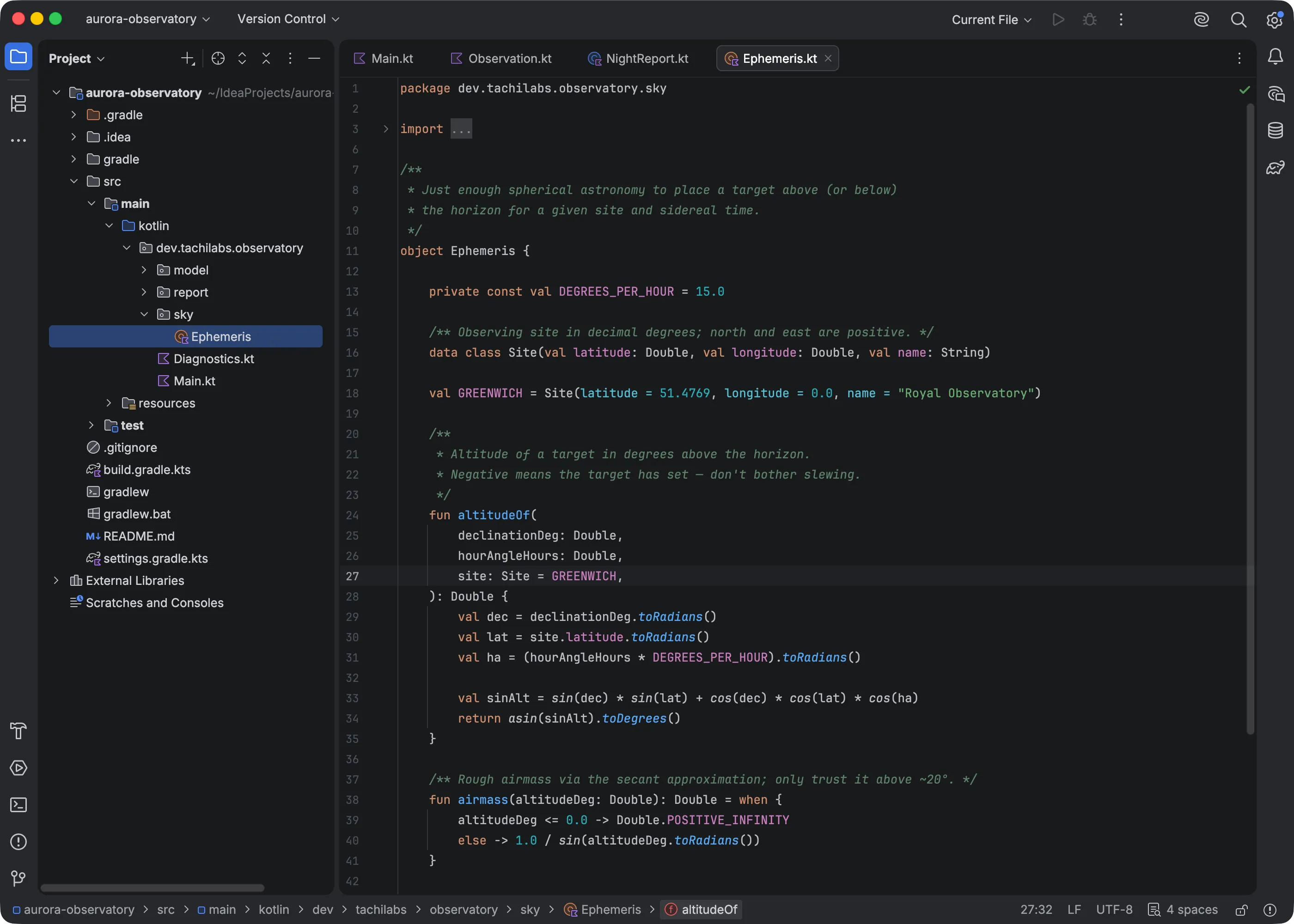
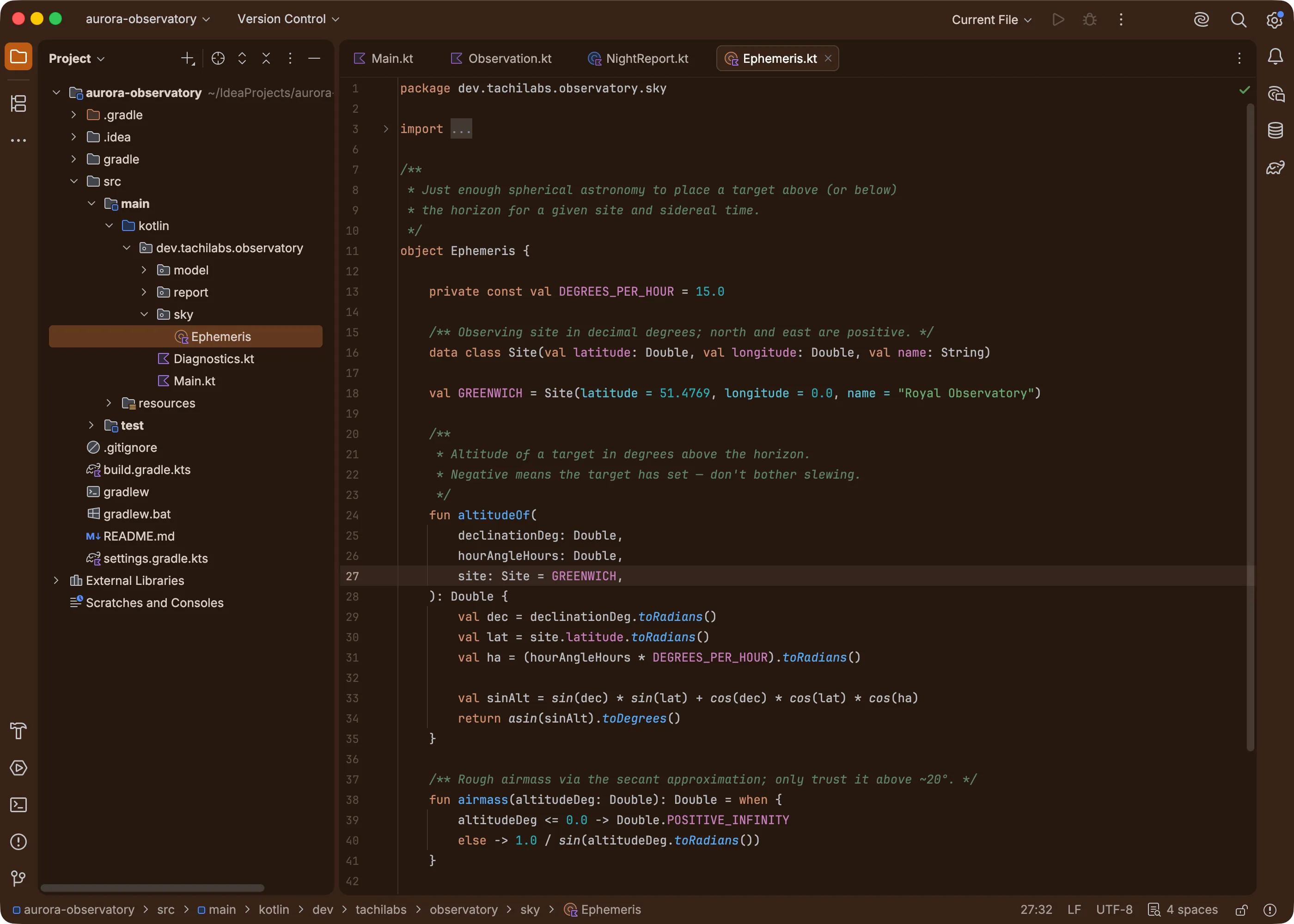
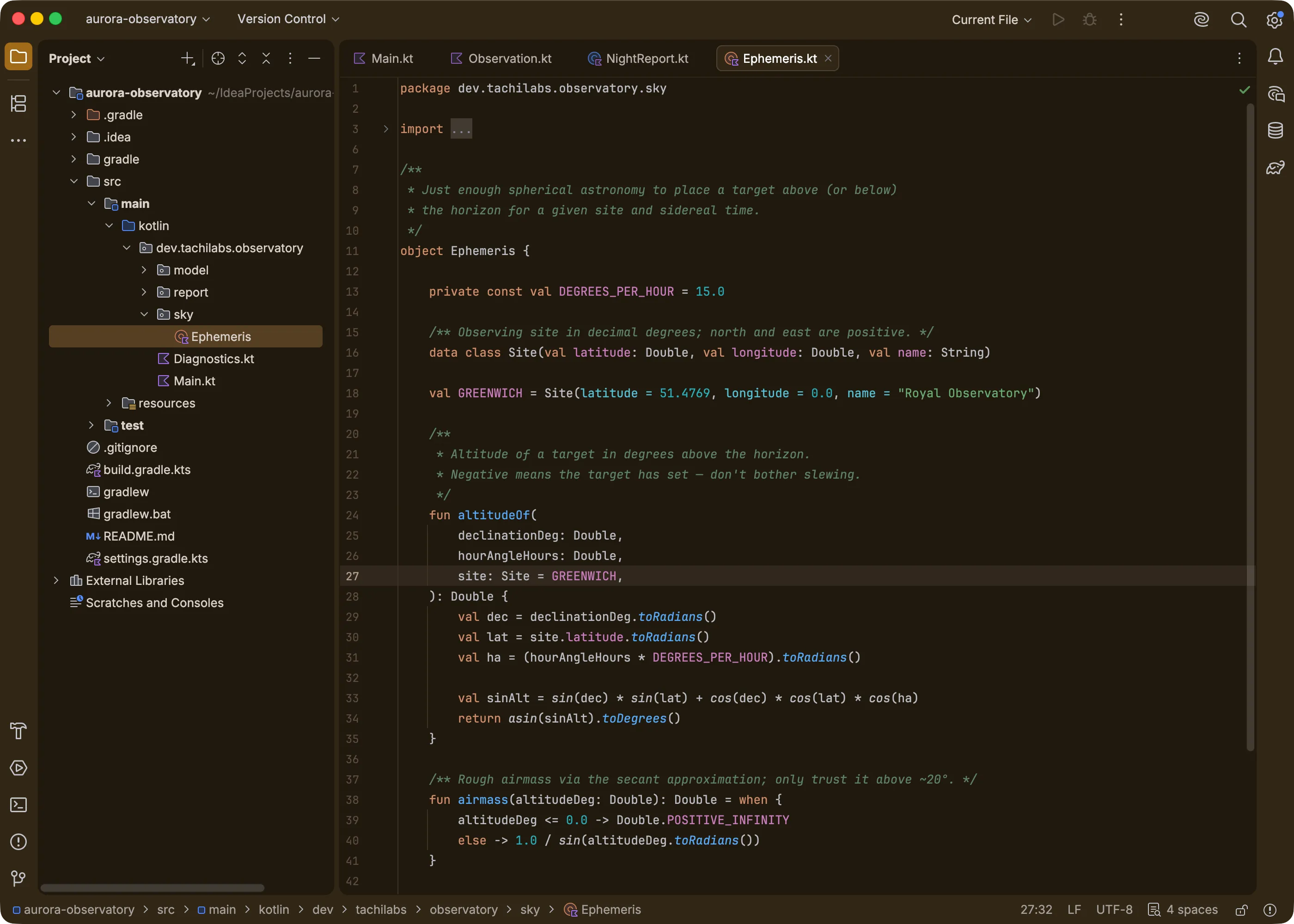
IntelliJ IDEA on the Islands Dark theme under the Orange preset with colorize background onIntelliJ IDEA on the Islands Dark theme under the Gold preset with colorize background onIntelliJ IDEA on the Islands Dark theme under the Green preset with colorize background onIntelliJ IDEA on the Islands Dark theme under the Teal preset with colorize background onIntelliJ IDEA on the Islands Dark theme under the Blue preset with colorize background onIntelliJ IDEA on the Islands Dark theme under the Violet preset with colorize background onIntelliJ IDEA on the Islands Dark theme under the Purple preset with colorize background onIntelliJ IDEA on the Islands Dark theme under the Pink preset with colorize background on The same IntelliJ IDEA view on Islands Dark with tinting off, revealed left of the divider

“I love my theme, but I’ve been staring at it for three years”

Not tired enough to abandon it, just tired of the one color it came in. InfiniTint recolors the theme in place. Click a preset and it is the same theme in a new color. Click another next week.

No complicated configuration necessary.
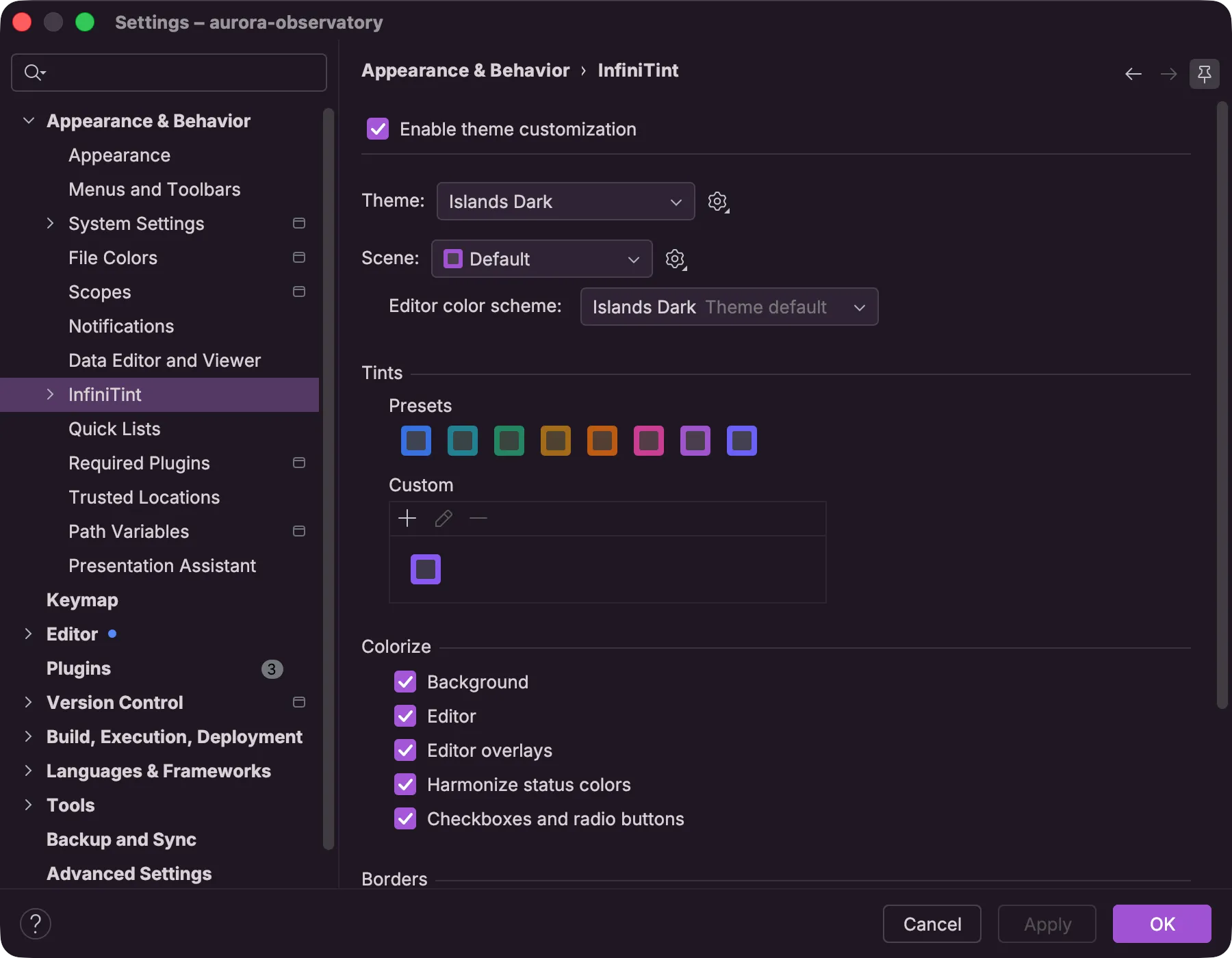
InfiniTint's settings page with the active theme's preset row of tint swatches visible alongside the colorize and border options

Shape your own tint

Choose the seed with two sliders. Hue picks the color, and chroma sets how muted or vivid it is. Then bend the tone curve to reshape the palette's structure, adding contrast where you want separation and easing it where you don't.

Accents and surfaces can each carry their own seed and curve, so a vivid accent can sit over a calm background, or the two can take different hues entirely.
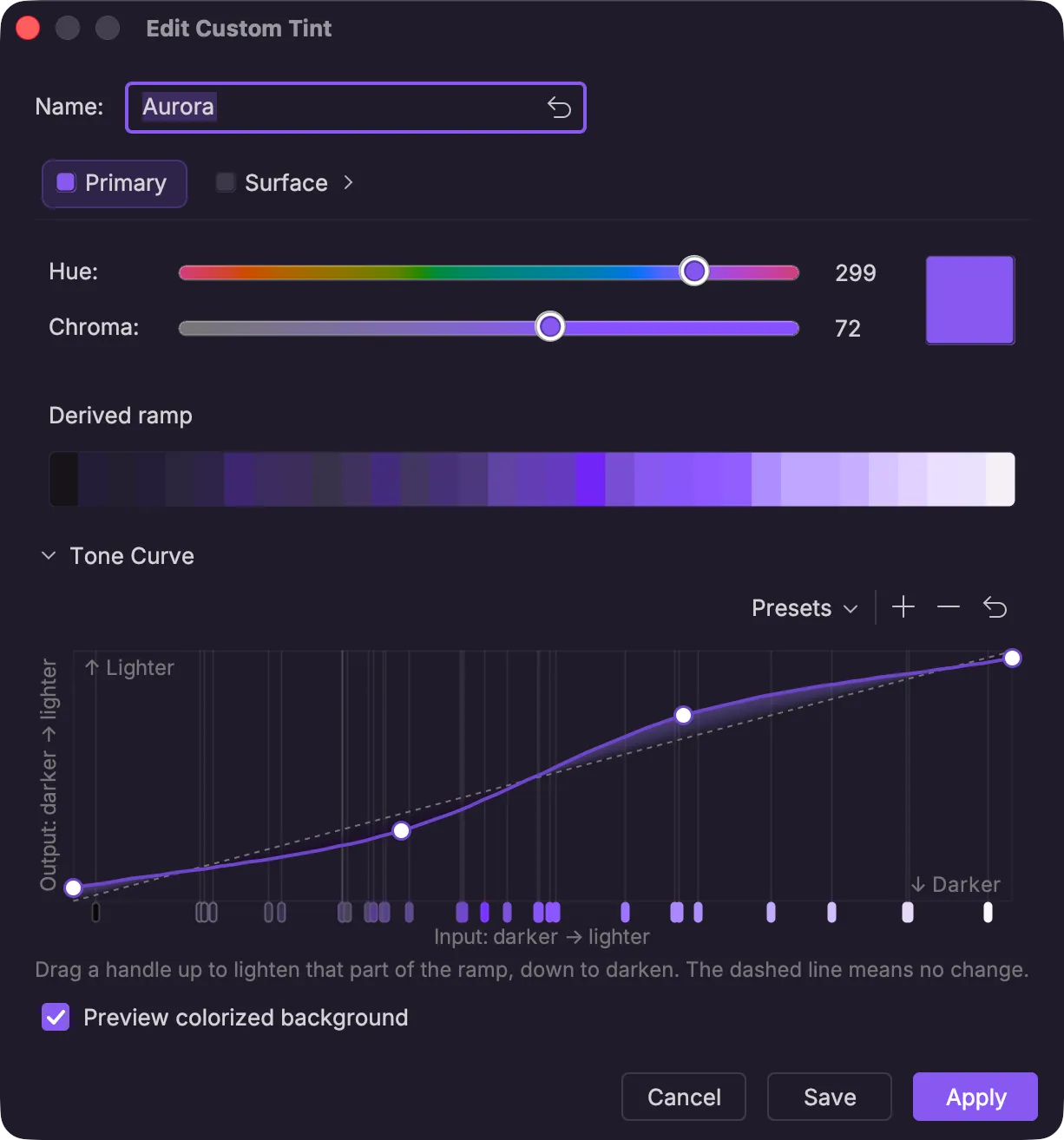
InfiniTint's custom tint editor dialog with a seed color chosen and the tone curve control adjusted away from its default shape

Set your own text contrast

InfiniTint tracks nearly 1,800 text-and-background pairs across the IDE, each categorized by the kind of text it colors. Push interface labels, code, or secondary text like hints further from their backgrounds, or give each category a minimum contrast target.
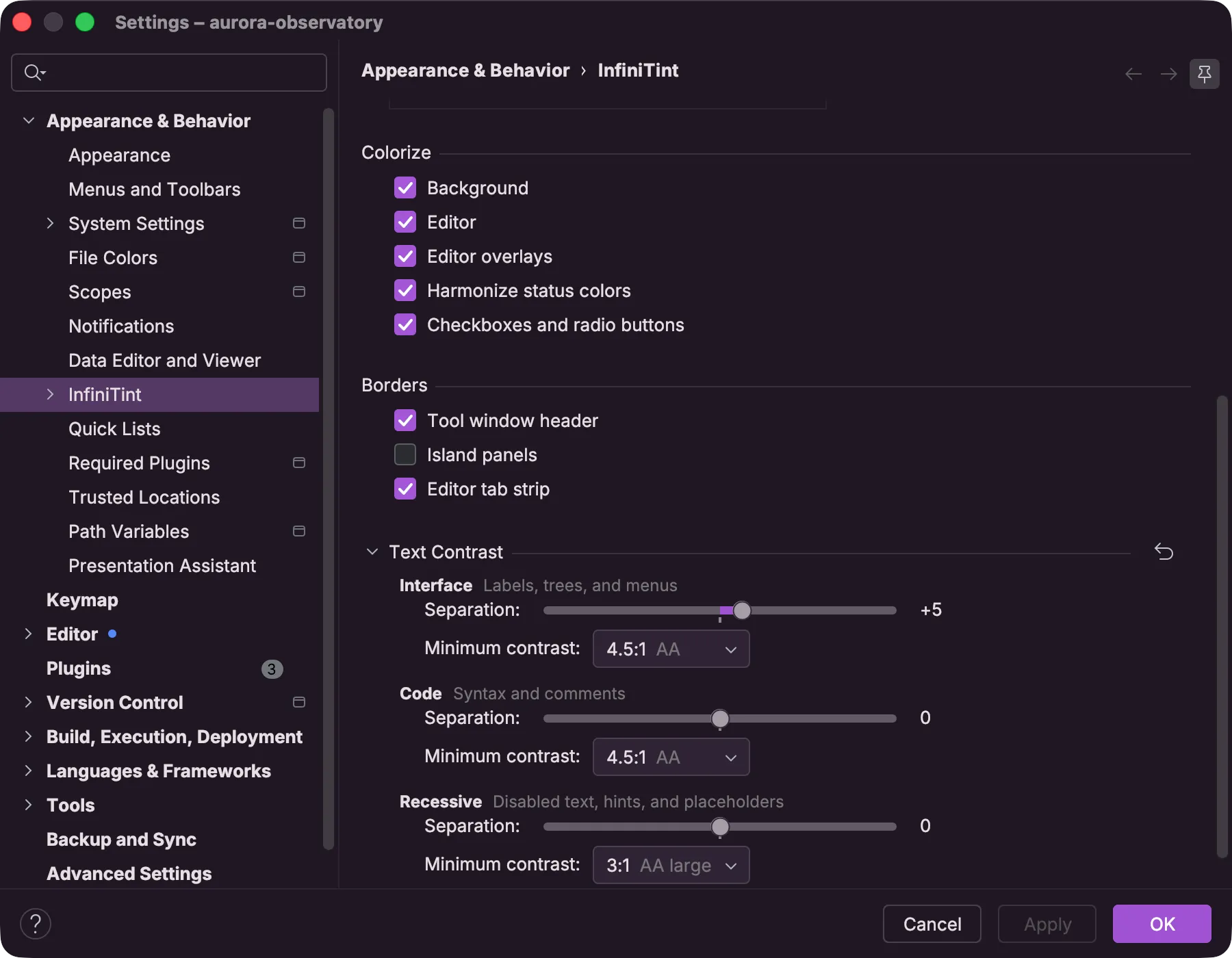
InfiniTint's settings page with the Text Contrast section expanded, showing separation sliders and minimum-contrast dropdowns for interface, code, and secondary text

Use any editor color scheme with any theme

Most editor color schemes look broken outside the theme they were built for. Their structural elements (the background, gutter, line numbers, and indent guides) were picked against a different theme and clash with the chrome around them. InfiniTint fixes that. Pick any color scheme you want and it recolors those structural elements to match your active theme as you have tinted it, so the editor and the chrome around it come from the same palette. The syntax colors stay exactly as the scheme's author set them.
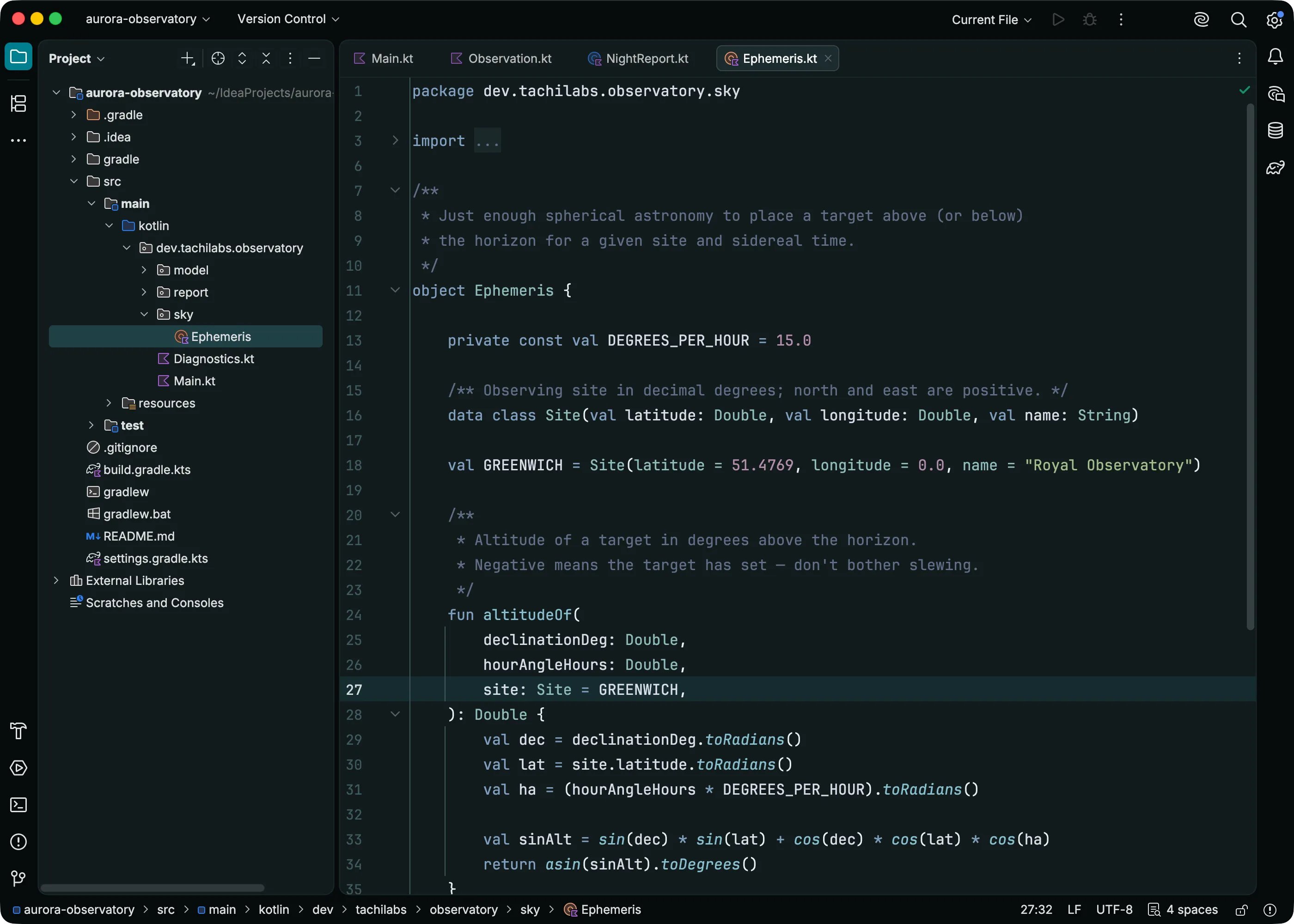
IntelliJ IDEA on the Armada Dark theme tinted teal, with the Nord editor color scheme harmonized against the tinted chrome so Nord's syntax colors sit on a canvas that matches the window
Shown with the Armada Dark theme and the Nord editor color scheme.

Save scenes, switch between them

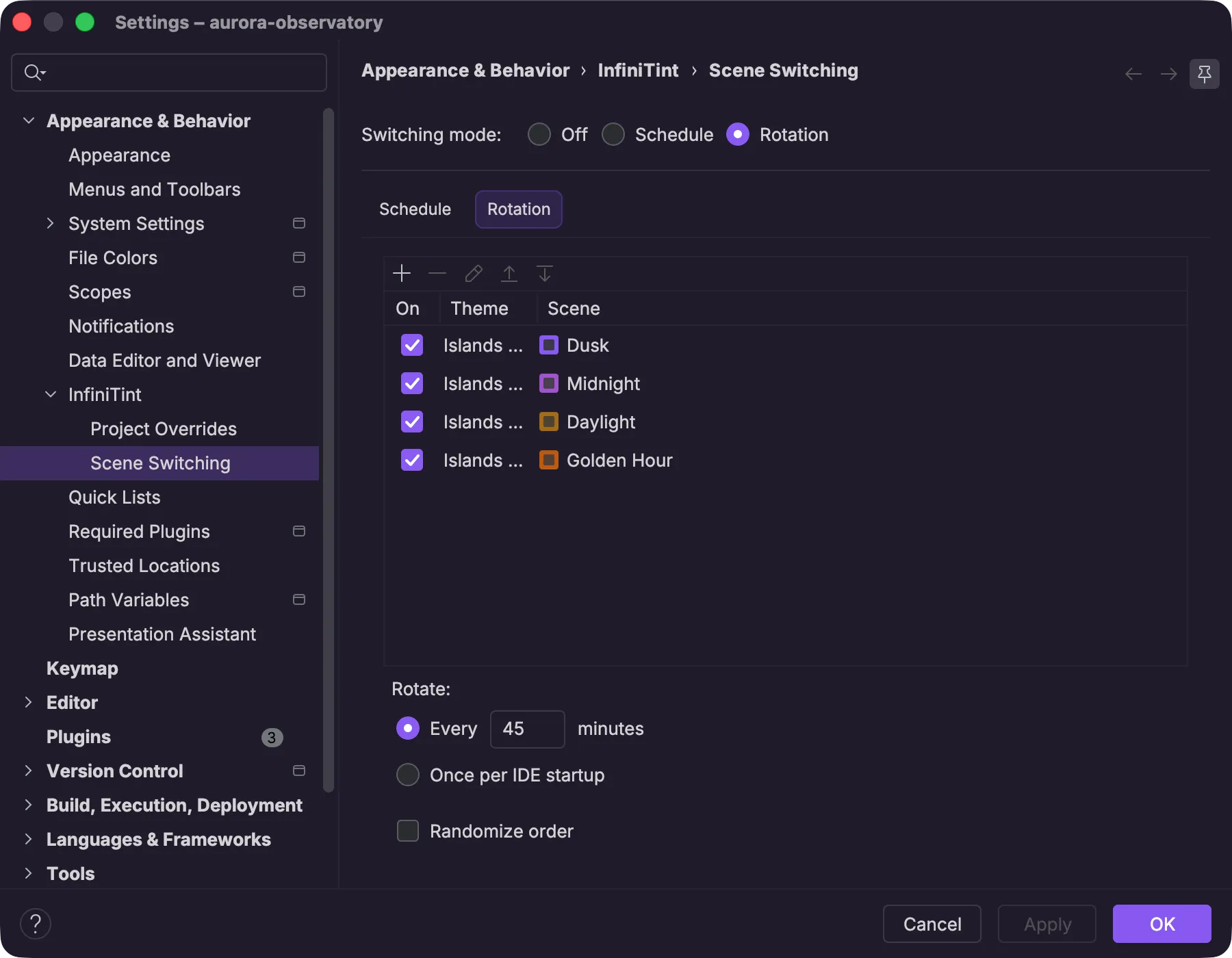
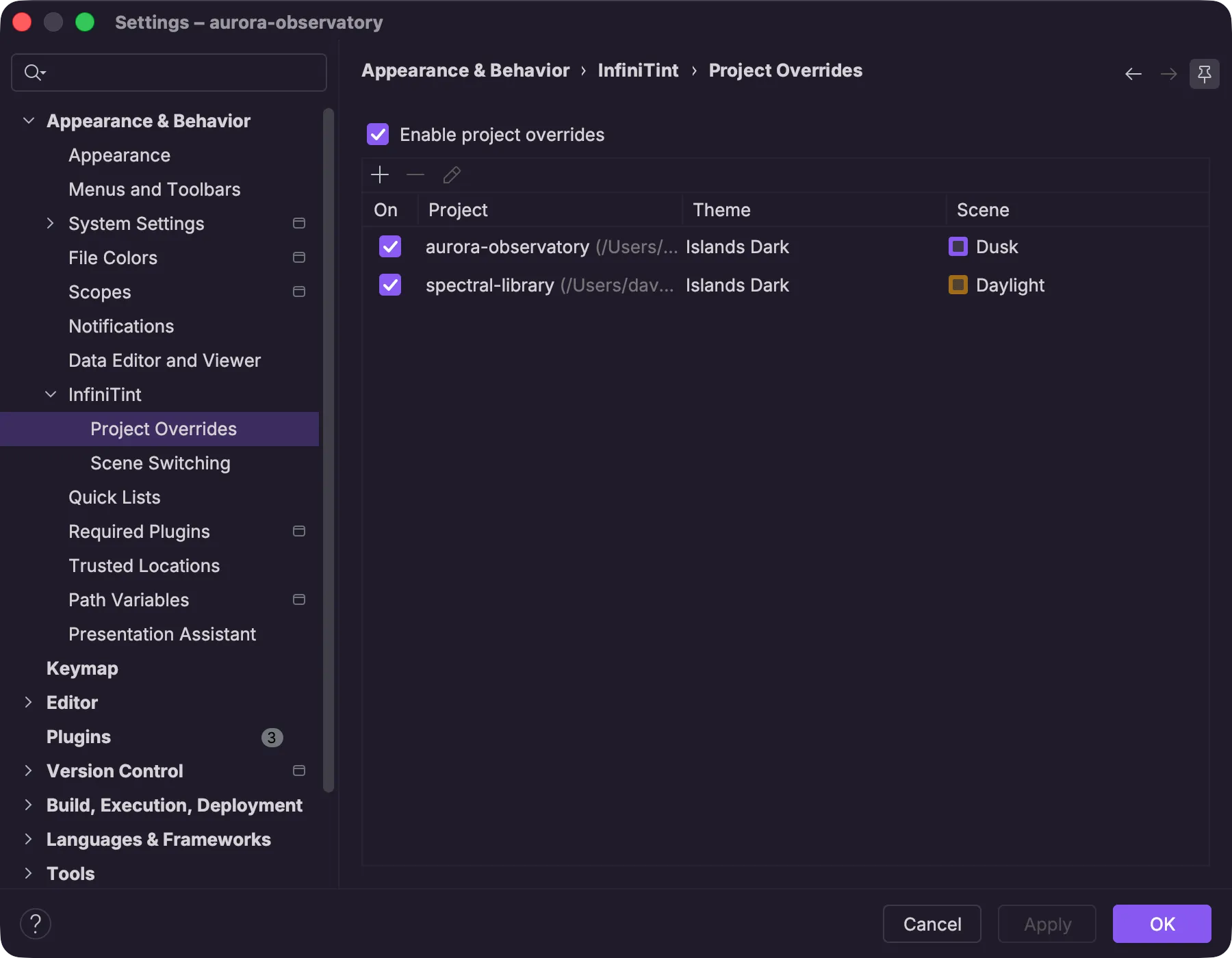
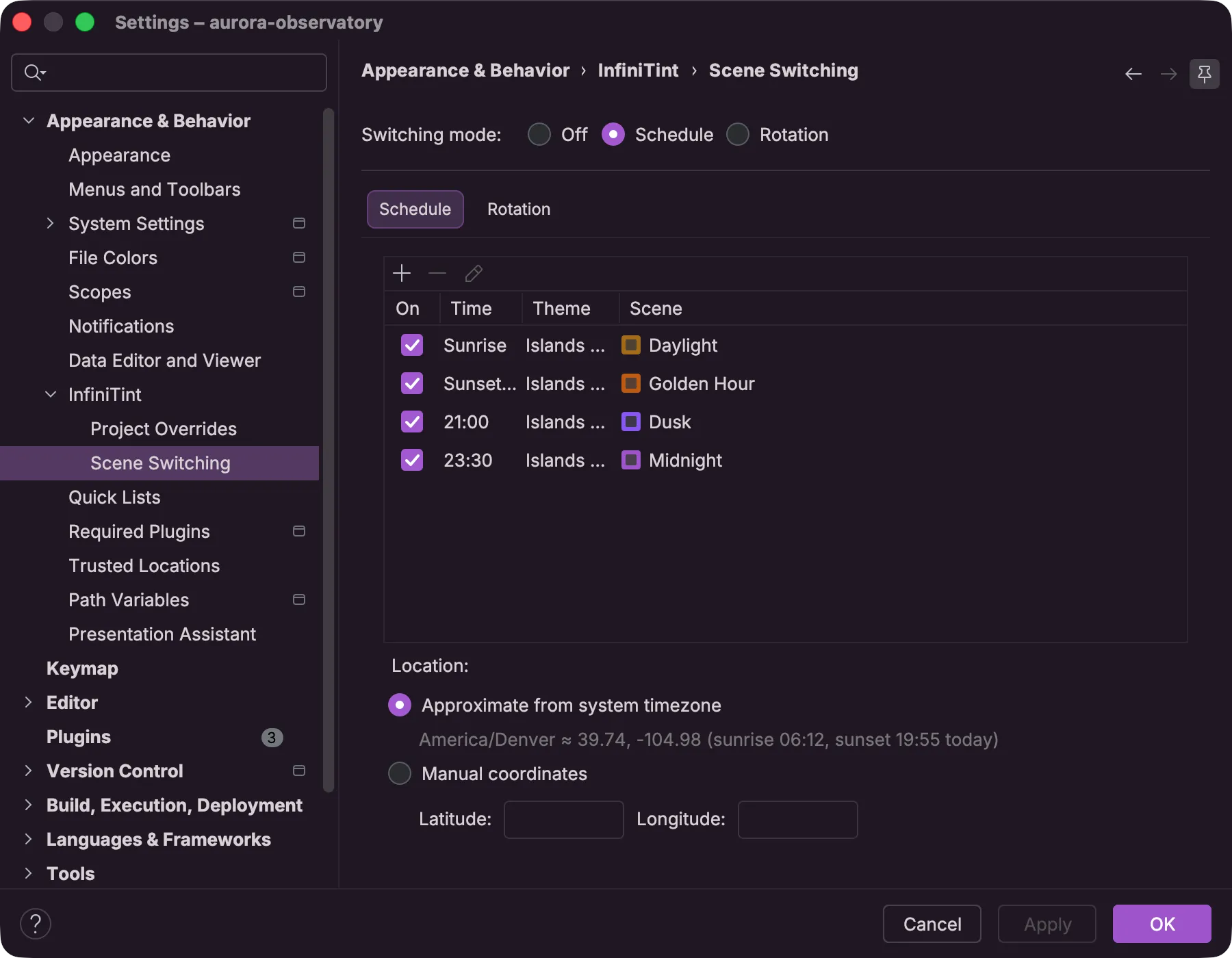
A scene is a complete look with a name: the theme, its tint, the editor color scheme, and the rest of the appearance settings, borders and text contrast included. Recall one whenever you like, or switch between them automatically:

  • Schedules — one scene for daylight hours and a dimmer one after dark, switched on the clock or on sunrise and sunset.
  • Rotation — the next scene on an interval you set.
  • Per-project color — give each project its own scene, applied the moment its window takes focus.
Pricing

The free tier is a complete product.

Free

$15/year personal

$75/year commercial

Tints
A tint recolors the whole theme from one color. Eight presets on the IDE's built-in themes, three on any other theme you have installed
Unlimited custom tints: any color, tuned with hue and chroma sliders
Tone curves
Not included
Tune brightness and contrast across the whole theme: sharpen the layering or flatten it for a quieter look
Text contrast
Not included
Set your own text contrast, with minimum contrast targets as a readability floor
Borders
Turn tool window header, island panel, and editor tab strip borders on or off, even on themes that don't draw their own
Included
Editor harmonization
Harmonization recolors the structural elements of the editor color scheme (background, gutter, line numbers, indent guides) to match the tinted theme. Included for your theme's default color scheme
Harmonize any scheme, even one borrowed from another theme
Scenes
Not included
Save a complete look under a name: the theme, its tint, the editor color scheme, and the appearance settings, ready to reapply any time
Automatic switching
Not included
Intervals, clock schedules, your local sunrise and sunset, and per-project scenes that follow the window you focus

The 14-day trial covers the paid column. Monthly billing and volume discounts are on the Marketplace pricing tab.

Try it on your favorite theme today